
Draw3D
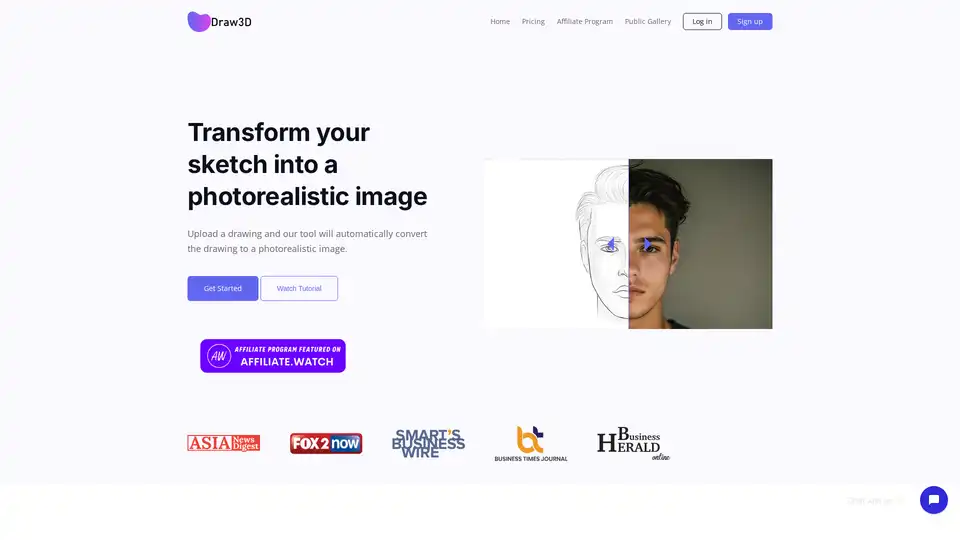
Overview of Draw3D
Draw3D: Transform Your Sketches into Photorealistic Images
What is Draw3D? Draw3D is an AI-powered tool that allows you to transform your sketches into photorealistic images. Simply upload a drawing, and Draw3D will automatically convert it into a high-quality, lifelike visual.
How does Draw3D work? Draw3D utilizes advanced AI algorithms to analyze the details of your sketch and generate a photorealistic image based on that information. The tool is designed to handle sketches with varying levels of detail, from simple outlines to intricate drawings.
Key Features:
- Sketch to Photo Transformation: Convert any detailed sketch into a photorealistic image.
- Detail Handling: Works with any amount of detail in the scene, whether it's nature landscapes or mountain views.
- Animal Face Structure Maintenance: Can accurately transform drawings of animals while maintaining their facial features.
- Sculpture to Photo Transformation: Capable of transforming sculptures into photos and vice versa.
- Image Upscaling: Upscale your generated images up to 4x without losing quality (with 8x upscaling coming soon).
- Built-in Image Editor: Includes a simple but powerful image editor for filtering and resizing images.
How to Use Draw3D:
- Generate: Draw or sketch what you want and generate your image with Draw3D.
- Upscale: Upscale your generated image without losing quality.
- Edit Image: Use the built-in image editor to filter and resize your image.
Use Cases:
- Art and Design: Generate realistic visuals from initial sketches for artists and designers.
- Concept Visualization: Bring your imaginative concepts to life with photorealistic renderings.
- Educational Purposes: Transform sculptures or drawings of animals into realistic representations for educational use.
Why is Draw3D important?
Draw3D simplifies the process of creating photorealistic images from sketches, allowing users to visualize their ideas quickly and efficiently. It democratizes the process of image creation, making it accessible to a wider audience.
Where can I use Draw3D?
Draw3D can be used by artists, designers, educators, and anyone looking to bring their sketches to life. It is especially useful for:
- Creating realistic visualizations of concepts.
- Enhancing artistic projects with photorealistic elements.
- Generating images for educational materials.
Draw3D is a valuable tool for anyone looking to transform their sketches into high-quality, photorealistic images with ease. Try Draw3D today and bring your imagination to life!
AI Generated Art Image Enhancement and Repair Image Style Transfer AI Background Removal and Replacement AI Avatar and Cartoonization 3D Modeling and Rendering Logo and UI Design
Best Alternative Tools to "Draw3D"
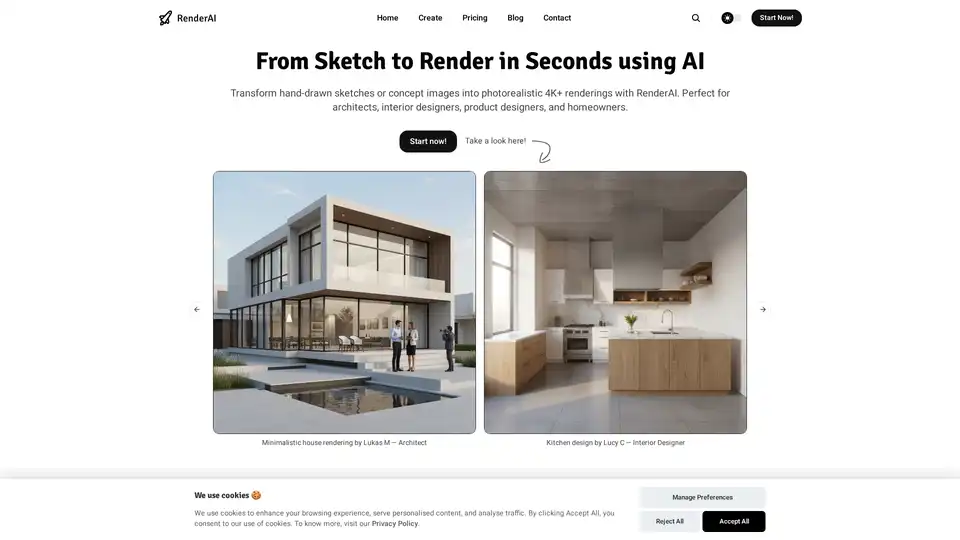
RenderAI transforms sketches into photorealistic AI renderings and videos in seconds. Ideal for architects, designers, and homeowners, it offers a user-friendly interface and full ownership of designs.
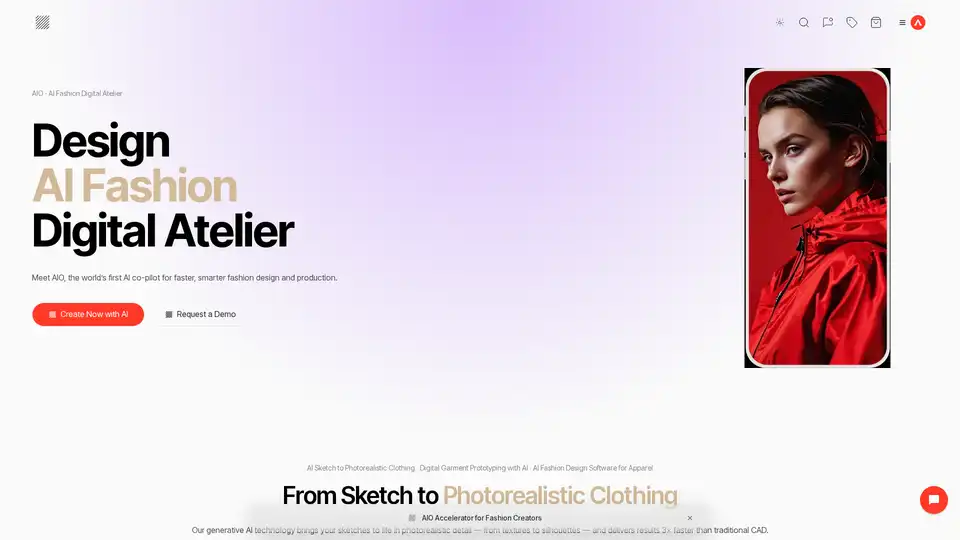
Discover AIO, the pioneering AI co-pilot for fashion brands. Accelerate design processes, enable virtual sampling, and launch production-ready collections faster with generative AI tools for sketches to photorealistic clothing.
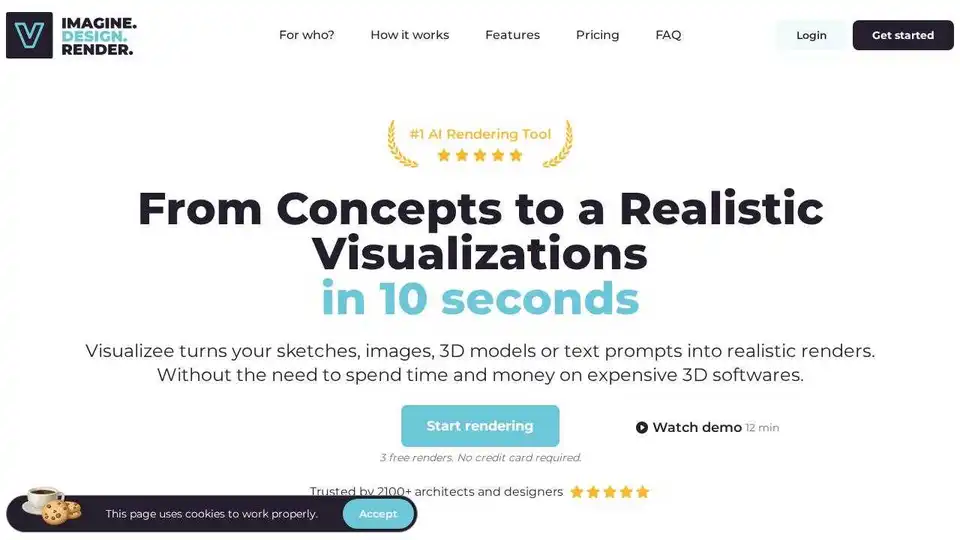
Visualizee.ai is an AI rendering tool that creates realistic visualizations from sketches, images, 3D models, or text prompts in seconds. Trusted by architects and designers.
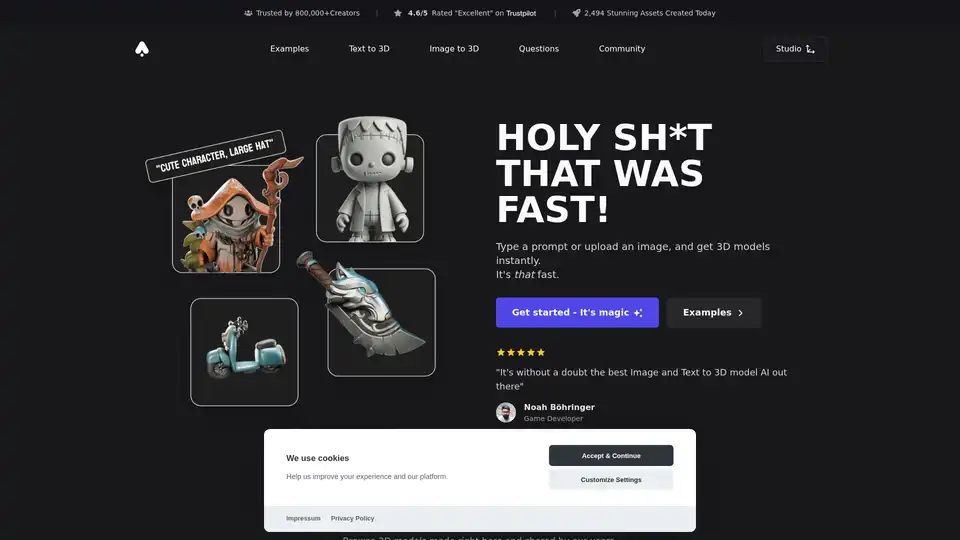
3D AI Studio is an AI toolkit that enables users to effortlessly transform text or images into high-quality 3D assets. Unleash your creativity with 3D AI Studio – the future of 3D assets.