
DocuClipper
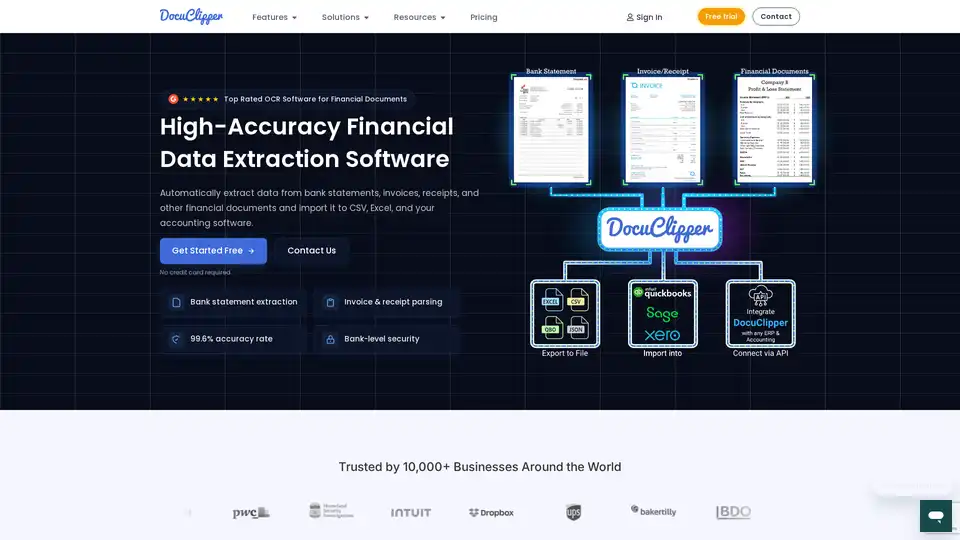
Overview of DocuClipper
DocuClipper: Automate Financial Data Extraction
What is DocuClipper?
DocuClipper is a top-rated OCR software designed for extracting financial data from various documents such as bank statements, invoices, and receipts. With a 99.6% accuracy rate, it helps businesses automate data entry and streamline their financial workflows.
How to use DocuClipper?
- Upload your financial documents (PDFs).
- DocuClipper automatically extracts the data.
- Export the data to Excel, CSV, or your accounting software.
Key Features:
- High Accuracy: 99.6% accuracy in data extraction.
- Wide Compatibility: Supports bank statements, invoices, receipts, tax forms, and more.
- Seamless Integration: Integrates with Excel, CSV, QuickBooks, Xero, and other accounting software.
- Bank-Level Security: SOC 2 certified with AES 256-Bit SSL encryption.
Why is DocuClipper important?
DocuClipper eliminates manual data entry, reduces errors, and saves time, allowing finance professionals to focus on analysis and insights rather than tedious data processing.
Use Cases:
- Bank Statement Conversion: Convert PDF bank statements to Excel, CSV, or QBO format.
- Invoice & Receipt Parsing: Automatically extract data from invoices and receipts.
- Financial Analysis: Export data to Excel for in-depth analysis.
Customer Success:
Trusted by over 10,000 businesses worldwide, DocuClipper helps financial professionals automate data extraction and streamline their workflows.
OCR APIs
DocuClipper offers specialized OCR APIs for various financial documents:
- Invoice OCR API
- Receipt OCR API
- Bank Statement OCR API
- General OCR API for tax forms and other documents
What are the benefits of using DocuClipper?
- Time Savings: Automate data entry and reduce manual effort.
- Improved Accuracy: Minimize errors with high-accuracy OCR technology.
- Enhanced Security: Protect your financial data with bank-level security measures.
Best way to automate financial data extraction?
DocuClipper is the best way to automate financial data extraction due to its high accuracy, wide compatibility, and seamless integration with popular accounting software.
AI Task and Project Management AI Document Summarization and Reading AI Smart Search AI Data Analysis Automated Workflow
Best Alternative Tools to "DocuClipper"
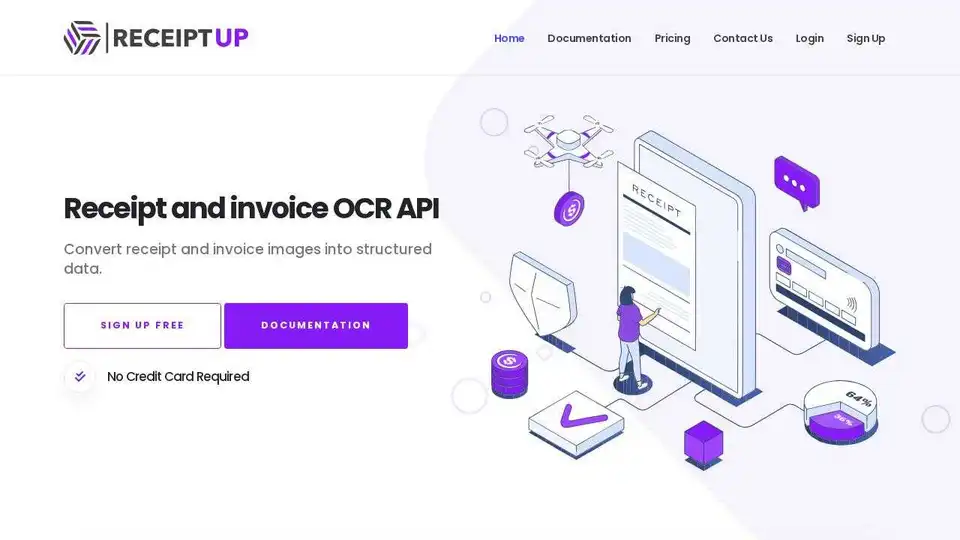
Transform receipt management with Receipt OCR API. Fast, precise data extraction for streamlined workflows & enhanced efficiency. Extract totals, taxes, dates & more.
KAOFFEE uses AI to automate accounting tasks, providing cost savings, increased productivity, and enhanced security for businesses. Discover how AI can revolutionize your financial processes.
Discover the best invoice OCR and AI solutions at InvoiceOCR, the #1 directory for automating invoice processing and data extraction. Streamline your accounting tasks today!
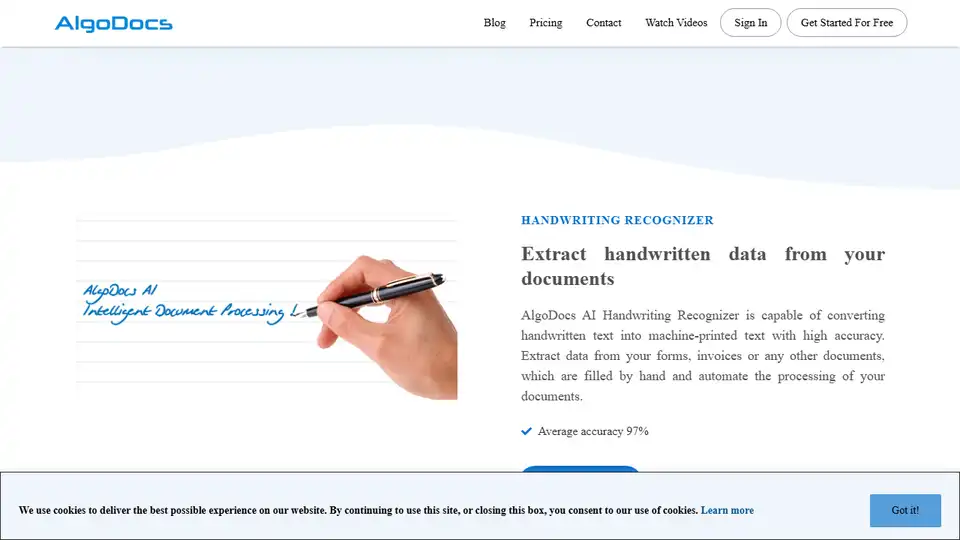
AlgoDocs automates data extraction from PDFs and images using AI, streamlining document processing for businesses. Extract data to Excel or integrated apps.