
Detail
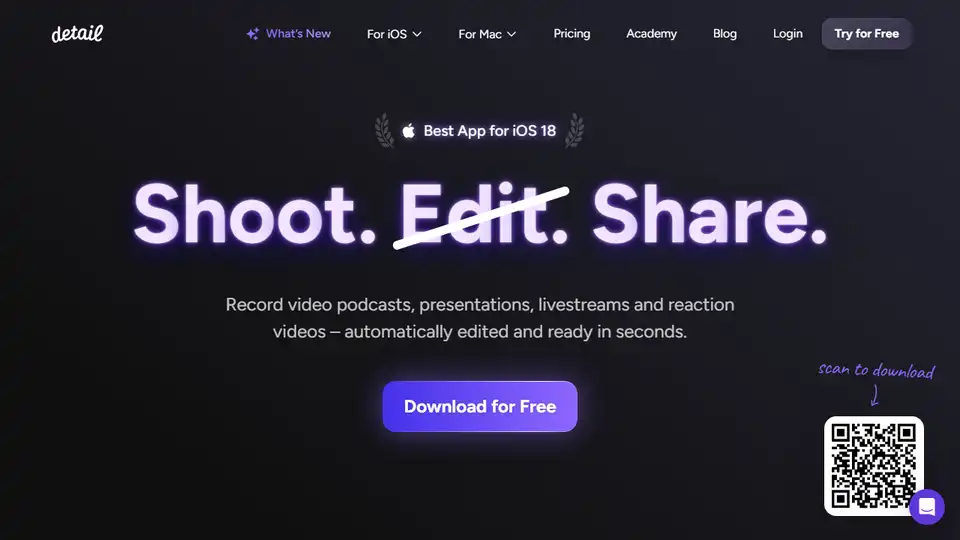
Overview of Detail
Detail: The AI-Powered Video Studio in Your Pocket
Detail is a powerful iOS and macOS application designed to simplify video recording, editing, and sharing. With its intuitive interface and AI-driven features, Detail empowers users to create professional-quality videos and podcasts quickly and easily. Whether you're a content creator, marketer, or educator, Detail provides the tools you need to capture, refine, and share your message with the world.
What is Detail?
Detail is an all-in-one video creation app that combines recording, editing, and live streaming capabilities into a single, user-friendly platform. Available for both iOS and macOS, Detail leverages AI to automate many of the tedious aspects of video production, allowing users to focus on their content rather than the technical details.
How does Detail work?
Detail uses a combination of advanced algorithms and a streamlined user interface to simplify the video creation process. Here's a breakdown of its key features and how they work:
- Auto Edit: This AI-powered feature automatically removes silences, adds zoom cuts, incorporates titles, captions, and background music to your videos, saving you hours of manual editing.
- Teleprompter: Record talking head videos with ease using the built-in teleprompter, allowing you to deliver your message confidently and naturally.
- Podcast Auto Edit: Specifically designed for podcast creators, this feature automatically switches between speakers, generates long-form edits, and creates short clips for social media promotion.
- Reaction Videos: Record yourself reacting to any online video or a video saved on your phone. Simply import the video URL into Detail.
- Live Streaming: Stream directly to YouTube, Twitch, Instagram, TikTok, LinkedIn, or any other platform that supports RTMP.
- Multi-Camera Streaming: Connect two devices to stream with multiple camera angles or invite a guest to join your live stream.
- Live Green Screen Editor: Remove your video background in real-time and replace it with any image or video you choose.
- Automatic Captions: Generate accurate, customizable captions for your videos with Detail's AI-powered captioning feature.
Key Features and Benefits
- Effortless Video Creation: Detail automates many of the time-consuming tasks associated with video production, allowing you to create high-quality videos in minutes.
- Professional-Quality Results: The AI-powered editing features ensure your videos look polished and professional, without requiring advanced technical skills.
- Versatile Applications: Detail is suitable for a wide range of use cases, including video podcasts, presentations, livestreams, reaction videos, and more.
- Mobile Flexibility: Record and edit videos on your iPhone or iPad, giving you the freedom to create content wherever you are.
- Simplified Live Streaming: Stream to your favorite platforms with ease, using Detail's intuitive live streaming tools.
How to use Detail?
- Download and Install: Download Detail from the App Store for iOS or macOS.
- Record Your Video: Use the built-in teleprompter or record directly with your camera.
- Edit with AI: Tap the Auto Edit button to let Detail automatically enhance your video.
- Customize: Add captions, adjust zoom cuts, and select background music.
- Share: Export your video to your device or share it directly to social media.
Why is Detail important?
In today's digital landscape, video content is more important than ever. Detail makes it easy for anyone to create engaging and professional-looking videos, regardless of their technical expertise. Whether you're promoting your business, sharing your ideas, or connecting with your audience, Detail provides the tools you need to succeed.
Where can I use Detail?
Detail can be used in a variety of settings, including:
- Content Creation: Create engaging videos for YouTube, TikTok, Instagram, and other social media platforms.
- Business Marketing: Produce professional-quality marketing videos to promote your products or services.
- Online Education: Create engaging online courses and tutorials.
- Internal Communication: Record presentations, training videos, and company announcements.
- Personal Projects: Share your stories, experiences, and passions with the world.
User Reviews and Testimonials
Users rave about Detail's ease of use and time-saving features. Here are a few examples:
- "Got me excited to finally start creating content" - _Finally, no need for heavy equipment anymore to start creating quality content."
- "What a champion" - High-quality recording with guests through browser links, perfect audio sync, and the AI-generated descriptions save so much time.
- "amazing app!" - Best reaction video camera & editor! Import videos from YouTube & TikTok instantly. Auto captions are perfect.
Conclusion
Detail is an indispensable tool for anyone looking to create high-quality videos quickly and easily. With its AI-powered features, intuitive interface, and versatile applications, Detail empowers users to capture, refine, and share their message with the world. Download Detail today and unlock your video creation potential!
By incorporating features such as Auto Edit, Teleprompter, and Podcast Auto Edit, Detail significantly reduces the time and effort required to produce professional-looking videos. Detail helps you create better content, faster. What is holding you back from creating high-quality video content? Try Detail today.
AI Video Generation AI Video Editing AI Motion Capture and Animation AI Virtual Human and Digital Avatar 3D Video Generation
Best Alternative Tools to "Detail"
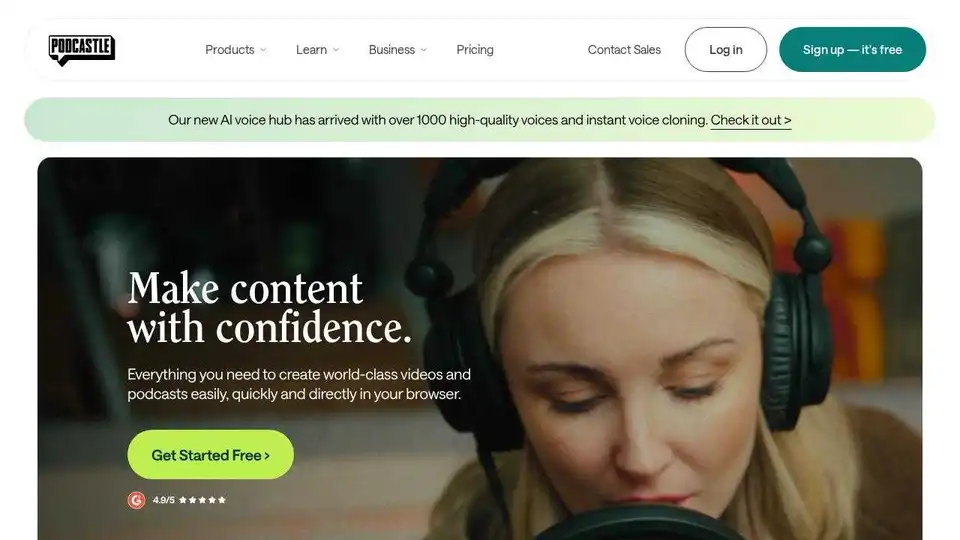
Podcastle is an AI-powered video and podcasting platform designed for long-form content creators. Features include AI voiceovers, text-based editing, and studio-quality recording.
Tellers revolutionizes interactive storytelling with AI-powered video editing, turning scripts into engaging videos and podcasts.
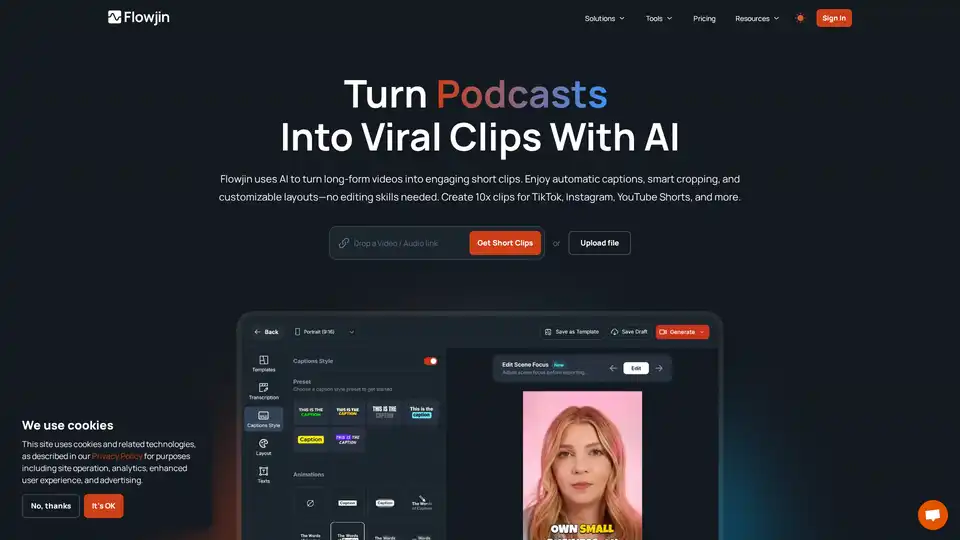
Flowjin transforms your long videos into viral social media clips with AI. Create engaging short-form content for TikTok, Instagram and YouTube in minutes—no editing skills required.
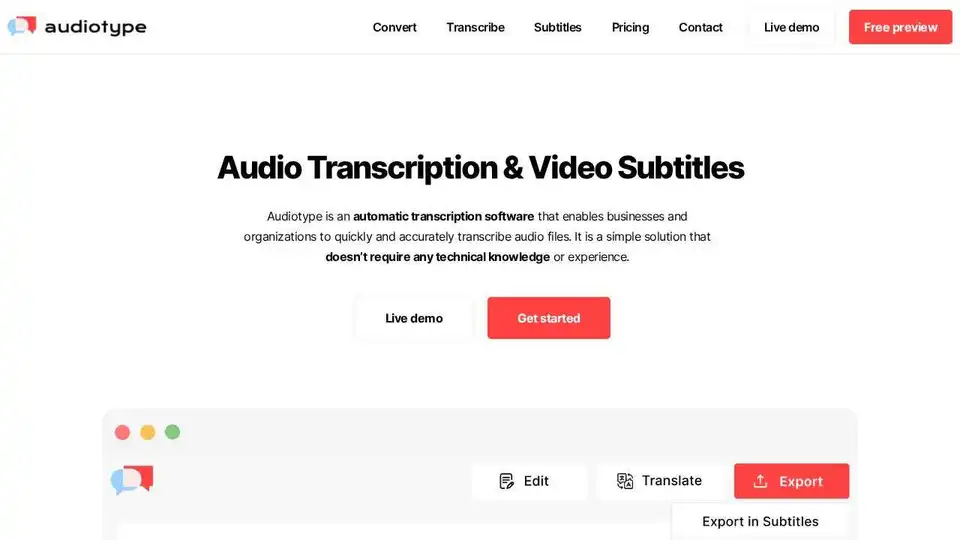
Audiotype automatically transcribes audio & video to text with AI. Fast, accurate (80-95%), & supports 36+ languages. No account needed, free trial available.