
Colorcinch
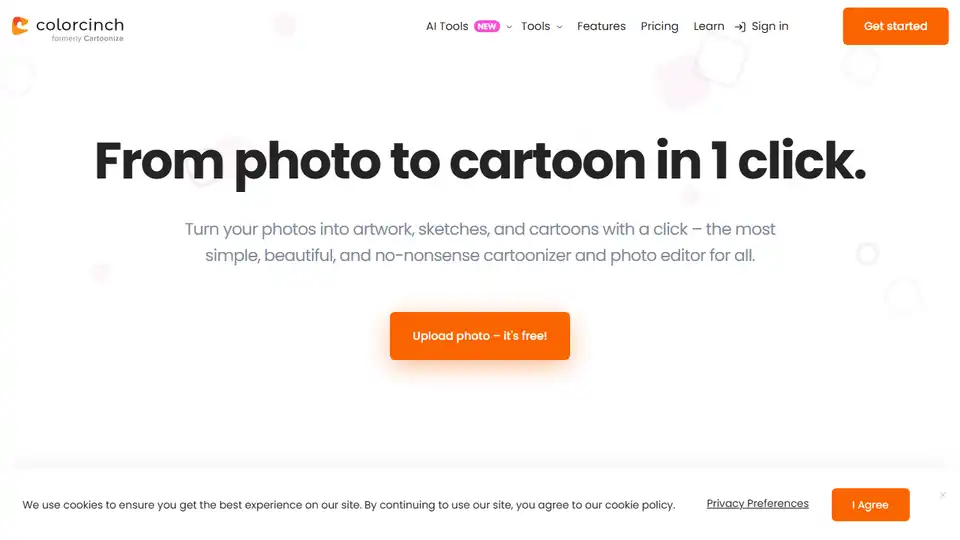
Overview of Colorcinch
Turn Photos into Stunning Art with Colorcinch
What is Colorcinch?
Colorcinch is an AI-powered online photo editor and cartoonizer that allows you to transform your photos into artwork, sketches, and cartoons with ease. It provides a simple, intuitive, and productive interface for all your photo editing needs.
How to Cartoonize a Photo with Colorcinch?
- Upload your photo: Simply upload your photo to Colorcinch.
- Apply Cartoonizer effects: Choose from a variety of cartoonizer, sketcher, and specialty filters and effects.
- Customize your artwork: Use the feature-rich photo and text editor to remove backgrounds, crop, resize, and adjust colors.
- Download your masterpiece: Export your artwork in high resolution (up to 400 DPI).
Why is Colorcinch Important?
Colorcinch simplifies photo editing with AI-powered tools, enabling users to achieve better results with fewer clicks. Its availability both online and offline ensures accessibility from anywhere in the world. Whether you want to create stunning collages, add artistic masks, or fine-tune details, Colorcinch provides all the necessary tools in one place.
Where Can I Use Colorcinch?
Colorcinch is ideal for:
- Creating unique avatars and profile pictures.
- Generating eye-catching social media content.
- Designing personalized gifts and cards.
- Enhancing personal and professional photos.
Best Way to Enhance Your Photos?
To enhance your photos with Colorcinch, explore its various features such as:
- AI-Powered Editing: Use AI to remove backgrounds, adjust exposure, and fine-tune details.
- Artistic Effects: Apply artistic masks, frames, and overlays to stylize your photos.
- Text Editor: Add text and customize fonts, colors, and styles to create unique designs.
Key Features
- Intuitive Interface: Simple and easy-to-use design.
- AI-Powered Tools: Smarter editing for better results.
- Online & Offline Access: Edit from anywhere, anytime.
- Extensive Library: Access to over 4 million photos, graphics, and icons.
- Versatile Editing: Remove backgrounds, create collages, and apply artistic effects.
User Reviews
- Shotkit: "Colorcinch is a powerful editing tool with impressive effects for adding creative intrigue to otherwise dull landscape photos."
- Movavi: "From simple edits to more complex things like masks and overlays, this tool does wonders for your photos."
Best Alternative Tools to "Colorcinch"
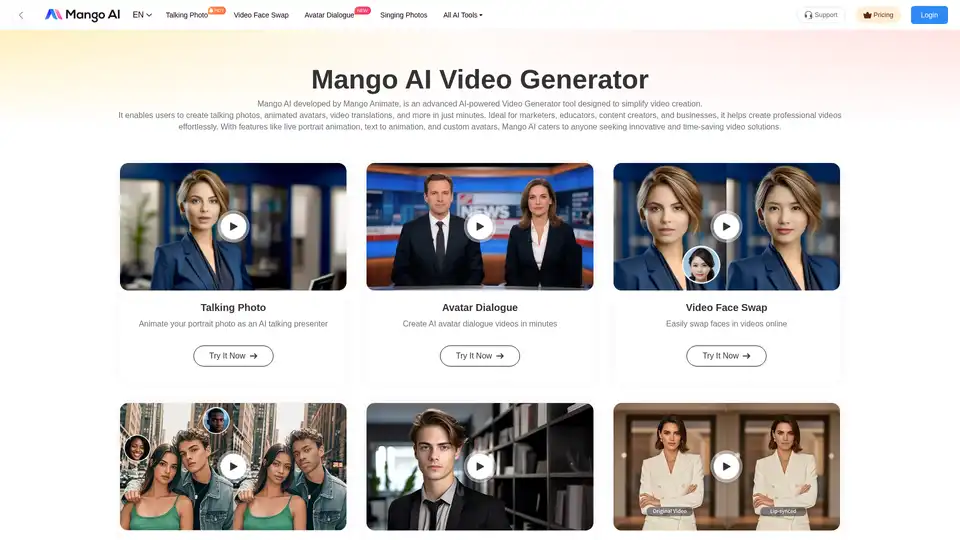
Mango AI is an AI-powered video generator that creates talking photos, avatars, & face swaps effortlessly. Ideal for marketers, educators & content creators.

Image Upscaler offers AI-driven online tools for photo & video editing. Enlarge images without quality loss, unblur photos, cartoonize images, and more. Free and paid options available.
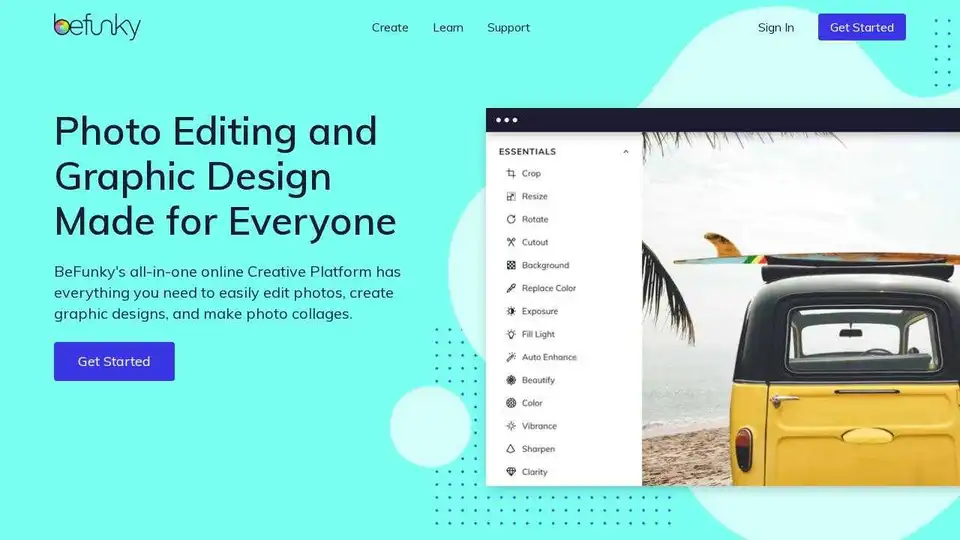
BeFunky is an all-in-one online platform for photo editing, collage making, and graphic design. Easily enhance photos, create stunning collages, and design custom graphics with user-friendly tools.

ONEIMG is a free online AI photo editor offering tools for photo enhancement, old photo restoration, background removal, and cartoon selfies. Optimize images effortlessly with AI-powered features.