
CapCut
Overview of CapCut
CapCut: The AI-Powered All-in-One Video Editor & Graphic Design Tool
What is CapCut?
CapCut is a versatile and user-friendly platform that combines video editing and graphic design capabilities, all powered by artificial intelligence. It's designed for creators of all skill levels, from beginners to professionals, offering a comprehensive suite of tools to bring their ideas to life.
How does CapCut work?
CapCut leverages AI to simplify and enhance the editing process. It includes:
- AI Video Maker: Automatically generate videos from text prompts, choosing visual styles to match your content.
- Text to Speech: Convert text into realistic speech with various languages and voice options, perfect for voiceovers.
- Auto Captions: Quickly generate captions in multiple languages, saving time and effort.
- Long Video to Shorts: Transform lengthy videos into engaging short clips for social media with AI selecting the best moments.
- Video Upscaler: Enhance blurry videos in one click, improving details and reducing noise.
Key Features of CapCut
- AI Magic Tools: Scripting to captioning is covered with the AI magic tools.
- Comprehensive Editing Tools: Offering a wide range of editing features, including trimming, merging, adding text, effects, filters, and transitions.
- Smart AI Features: AI toolkit handles it all. Clips to video, script to video, image upscaler, old photo restoration can be done easily.
- Versatile Platform: Available on browsers, Windows, Mac, Android, and iOS, ensuring accessibility across devices.
How to use CapCut?
- Download or Open Online: Access CapCut through your web browser or download the desktop or mobile app.
- Import Media: Import your video clips, images, and audio files into the editor.
- Edit Your Video: Use the various editing tools to trim, arrange, add text, effects, and transitions.
- Enhance with AI: Utilize AI features like auto captions, text to speech, and video upscaling to improve your video.
- Export Your Video: Choose your desired resolution, frame rate, and format, and export your finished video.
Why is CapCut important?
CapCut simplifies video editing and graphic design, making it accessible to a broader audience. Its AI-powered tools save time and effort, enabling creators to focus on their creativity. The platform's versatility and cross-device compatibility make it a convenient choice for content creation on the go.
Who is CapCut for?
CapCut is ideal for:
- Social Media Influencers: Quickly create engaging content for platforms like TikTok, Instagram, and YouTube.
- Content Creators: Produce high-quality videos and graphics for blogs, websites, and marketing materials.
- Businesses: Develop product demos, commercials, and training videos.
- Educators: Create educational videos and presentations.
- Anyone Interested in Video Editing: Whether you're a beginner or an experienced editor, CapCut offers the tools you need to bring your ideas to life.
Best way to Create stunning videos with CapCut?
Here are some tips for creating stunning videos with CapCut:
- Start with a Plan: Before you start editing, outline your video's story and key message.
- Use High-Quality Footage: Ensure your video clips are well-lit and in focus.
- Experiment with Effects and Transitions: Add visual interest to your video with CapCut's wide range of effects and transitions.
- Use Music and Sound Effects: Enhance your video's emotional impact with appropriate music and sound effects.
- Keep it Concise: Aim to keep your video short and engaging, focusing on the most important information.
- Leverage AI Tools: Use AI features like auto captions and video upscaling to save time and improve your video's quality.
CapCut is a powerful and versatile platform that empowers creators of all skill levels to produce stunning videos and graphics. Its AI-powered tools, comprehensive editing features, and cross-device compatibility make it an excellent choice for anyone looking to create engaging content.
AI Article Generation AI Text Polishing AI Writing Assistance Paper and Report Generation News and Blog Generation Email and Business Writing
Best Alternative Tools to "CapCut"
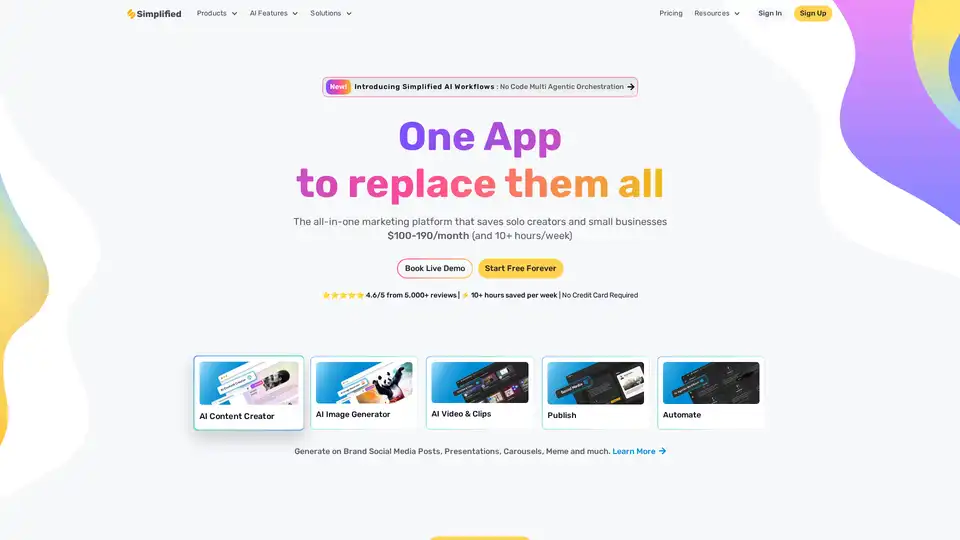
Simplified is an all-in-one AI marketing platform designed for business teams and solo creators. It offers AI-powered tools for content creation (text, image, video), graphic design, social media management, and automation, streamlining workflows and saving time.
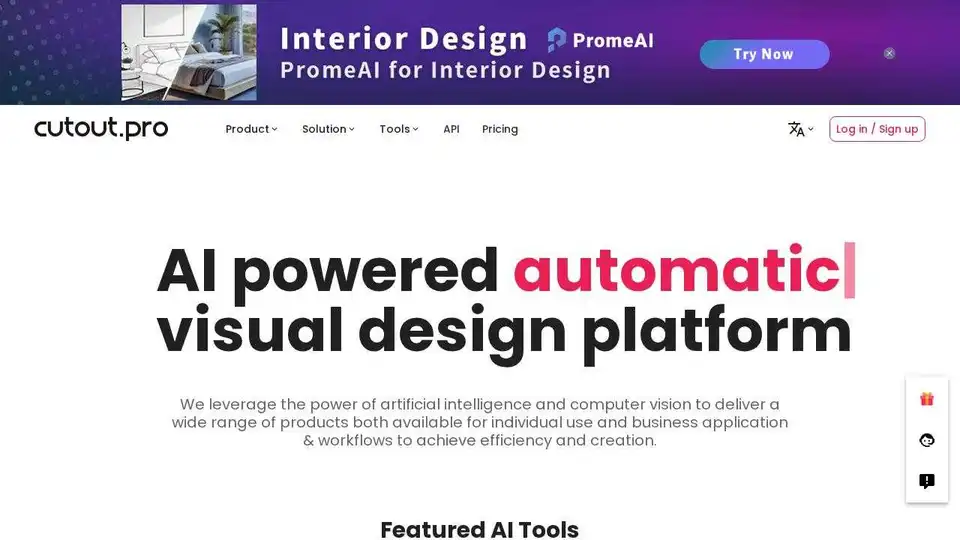
Cutout.Pro is an all-in-one AI visual design platform for photo and video editing. Automatically remove backgrounds, enhance images, and generate visual content with ease.
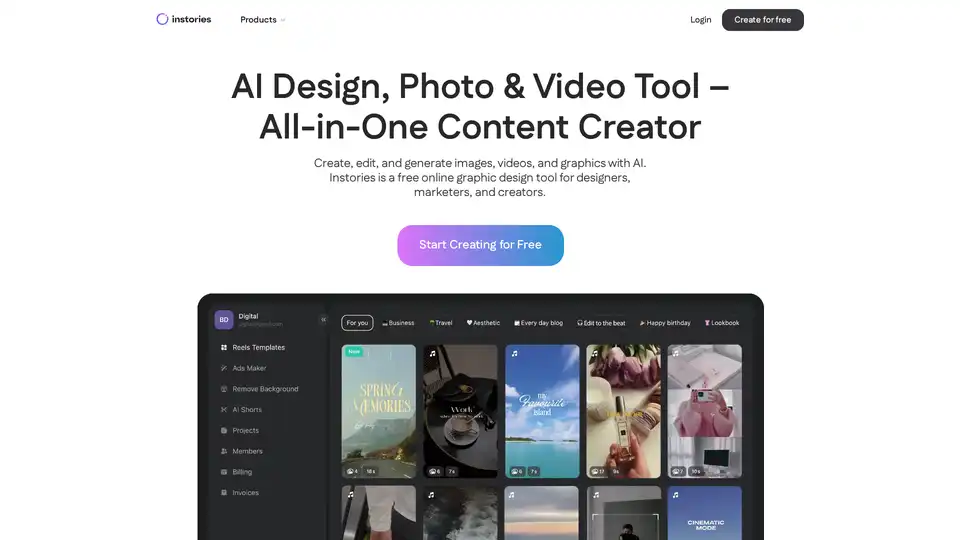
Instories is a free AI-powered online tool for creating designs, editing photos, and generating videos. Features include text-to-image/video, auto captions, background removal, and templates for social media content.
LightX offers an AI photo editor & image generator where AI meets creativity. Create stunning visuals with AI tools for photos, videos, and designs.