
Background Removal AI
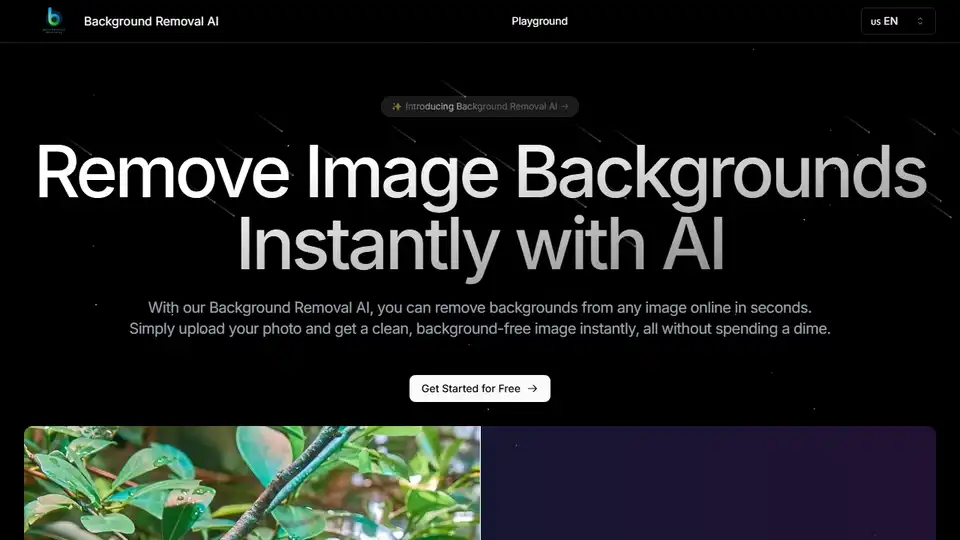
Overview of Background Removal AI
Background Removal AI: Remove Image Backgrounds Instantly with AI
What is Background Removal AI? Background Removal AI is an AI-powered tool that allows you to remove backgrounds from any image online in seconds. It provides a clean, background-free image instantly without any cost.
How does Background Removal AI work? It uses cutting-edge machine learning technology to accurately identify and remove image backgrounds. The process involves image upload, AI analysis, segmentation, background removal, and edge refinement.
Key Features
- Instant Background Removal: AI analyzes your image and removes the background in seconds, providing a clean result.
- High Precision Edge Detection: Advanced AI ensures accurate edge detection, even with complex subjects like hair or fur.
- Bulk Processing: Remove backgrounds from multiple images at once, saving time for large projects.
- Multiple Output Formats: Download your images in various formats including PNG with transparency, JPEG, and more.
Real-Life Use Cases
Background Removal AI is revolutionizing image editing across various industries:
- E-commerce Product Photography: Create professional product images with white or transparent backgrounds.
- Graphic Design and Marketing: Remove backgrounds for compelling marketing materials and social media posts.
- Personal Photo Editing: Easily remove backgrounds for social media profiles or digital scrapbooking.
- Real Estate Photography: Focus attention on key features of homes by removing distracting backgrounds.
- Digital Art and Illustration: Isolate elements from reference photos or clean up digital artwork.
- Video Production: Prepare still images for video projects, creating professional graphics and overlays.
How to Use Background Removal AI
- Upload Your Image: Upload the image you want to process. The AI supports various image formats.
- AI Processing: Wait a few seconds while the AI analyzes and removes the background from your image.
- Download or Edit: Download your background-free image or use editing tools for further adjustments.
What Customers Say
Many users have found Background Removal AI invaluable:
- Emily, an e-commerce business owner, says it has saved her so much time and provides professional results.
- Michael, a graphic designer, finds it fast, accurate, and handles complex edges beautifully.
- Sophie, a social media content creator, says it's a game-changer for polished photos.
- David appreciates the API integration for product photography workflow.
- Lisa is amazed by how well it handles hair and fur, perfect for her pet photography business.
- Alex finds the bulk processing feature a lifesaver for large projects.
- Rachel uses it to make real estate listings stand out.
Why is Background Removal AI important?
Background Removal AI simplifies the process of image editing, making it accessible to users with varying levels of technical expertise. It streamlines workflows, saves time, and ensures high-quality results.
Where can I use Background Removal AI?
You can use it for e-commerce, marketing, social media, real estate, digital art, and video production. Its versatility makes it a valuable tool for anyone working with images.
Conclusion
Background Removal AI is a powerful, user-friendly tool that leverages AI to remove image backgrounds quickly and accurately. Whether you're an e-commerce business, a graphic designer, or simply someone who wants to enhance their personal photos, Background Removal AI offers a seamless solution. Its advanced features, like high precision edge detection and bulk processing, ensure professional results every time. Why spend hours manually editing when AI can do it for you in seconds? Transform your images today and experience the future of image editing with Background Removal AI. Try it for free and see the difference it can make!
AI Generated Art Image Enhancement and Repair Image Style Transfer AI Background Removal and Replacement AI Avatar and Cartoonization 3D Modeling and Rendering Logo and UI Design
Best Alternative Tools to "Background Removal AI"
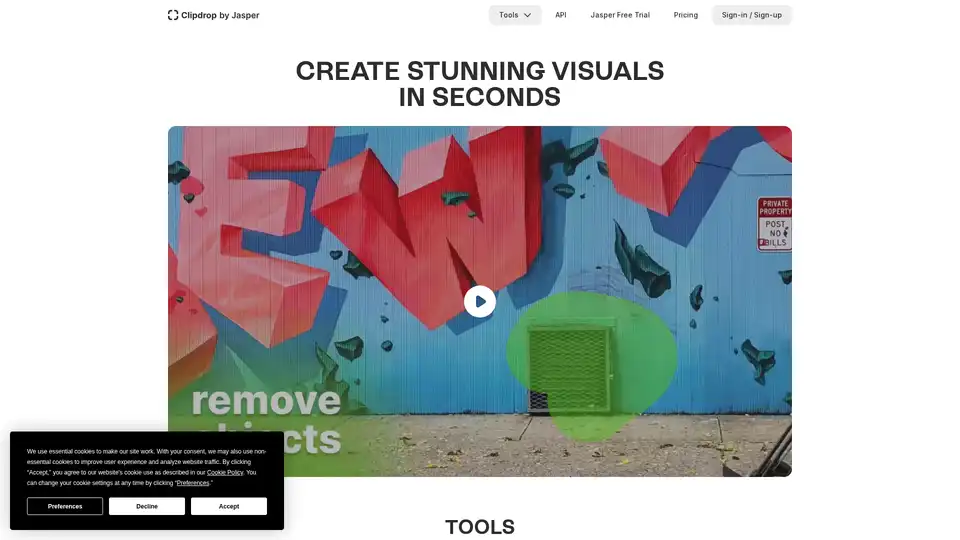
Clipdrop provides AI-powered tools for quick image editing: remove backgrounds, cleanup photos, upscale images, and generate visuals with Stable Diffusion integration for stunning results in seconds.
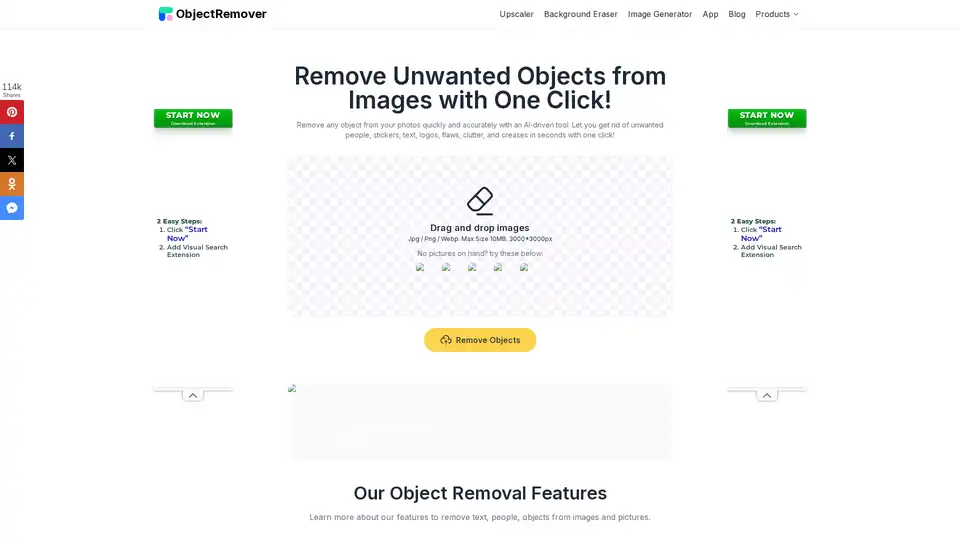
ObjectRemover is a 100% free online AI tool for instantly removing unwanted objects from photos without sign-up or limits. Clean up images by erasing people, text, logos, and more for natural results.
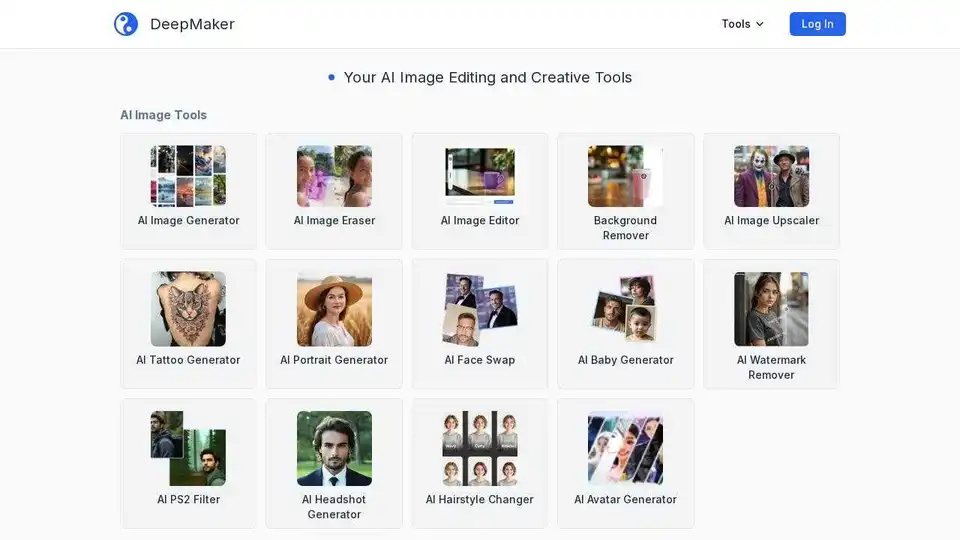
DeepMaker offers advanced AI image tools: background remover, image enhancer, object eraser, image editor, image generator, avatar creator, face swapper, and more. Pay as you go, no subscription required.

NewPic is an AI-powered photo editor that simplifies professional photo editing. It offers one-click solutions for background replacement, object removal, 3D effects, and more, without subscriptions.