
Arcwise
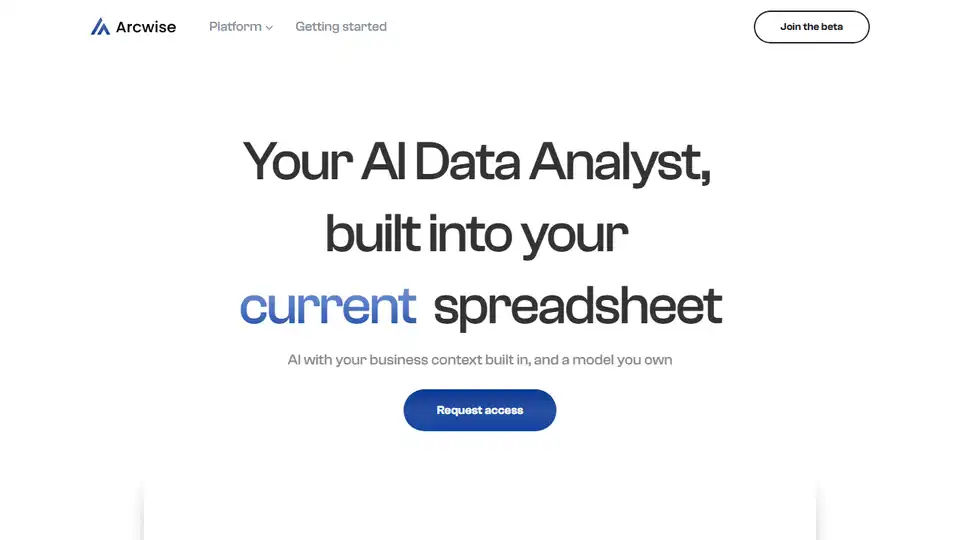
Overview of Arcwise
Arcwise: Your AI Data Analyst Inside Google Sheets
What is Arcwise? Arcwise is an AI-powered data analysis tool designed to work seamlessly within Google Sheets. It allows users to ask questions, explore data, and visualize trends directly within their spreadsheets, eliminating the need for complex SQL queries or specialized data analysis software. Imagine having an AI analyst available to help you understand your data, right where you already work.
How does Arcwise work? Arcwise connects to your data warehouse and BI tools, such as Snowflake, BigQuery, and Databricks. Once connected, you can use the Arcwise Chrome extension to interact with your data directly from Google Sheets. Simply ask questions in natural language, and Arcwise will generate the appropriate SQL queries, tables, and reports.
Key Features and Benefits:
- AI-Powered Analysis: Leverage AI to get the right data and build your first pass analysis directly within your Google Sheet.
- Data Exploration: Access and search all your dashboards and data stacks from one place.
- Instant Insights: Ask questions of your data and get instant responses on stats and trends.
- Automatic Visualization: Every response can be visualized automatically to identify patterns and trends.
- Deep Dive Capabilities: Double click into results, correct errors in source data, and find drivers of changes.
- Custom AI Models: Train an AI model you own, fine-tuning an LLM based on your data, or use existing models.
- User Feedback Optimization: Optimize your model based on user feedback to improve performance.
How to use Arcwise?
- Connect Your Data: Connect Arcwise to your data warehouse & BI Tools (Snowflake, BigQuery, Databricks, etc.).
- Install Chrome Extension: Install the Arcwise's integration with Google Sheets, letting you use Arcwise in your favorite tool.
- Start Asking Questions: Our AI builds SQL queries, tables, reports, and anything else you need for analysis.
Why is Arcwise important?
Arcwise democratizes data analysis by making it accessible to anyone who uses Google Sheets. It removes the technical barriers to entry, allowing users without SQL expertise to explore and understand their data. It saves time and increases efficiency by automating the process of data retrieval, analysis, and visualization.
Who is Arcwise for?
Arcwise is ideal for:
- Business Analysts: Get faster insights from your data without relying on data scientists.
- Data Scientists: Accelerate your workflow and focus on more complex analyses.
- Marketing Teams: Track campaign performance and identify trends in customer behavior.
- Sales Teams: Analyze sales data and identify opportunities for growth.
- Anyone who uses Google Sheets and needs to understand their data better.
What users are saying:
Fanny Peng, Sr. Director of Planning at NZXT, notes that "Arcwise saves several hours weekly on report updates, empowering proactive actions and contributing to profitability. It's become indispensable, improving work quality and agility."
Getting Started
Ready to supercharge your spreadsheet analysis? Request access to the Arcwise beta program and sign up for updates. Make AI an integral part of your business processes!
Best way to analyze data in Google Sheets? Arcwise offers the best way to analyze data in Google Sheets. Built directly inside Google Sheets, leverage AI to get the right data, understand your data with instant responses, and visualize your data to indentify trends and patterns.
AI Task and Project Management AI Document Summarization and Reading AI Smart Search AI Data Analysis Automated Workflow
Best Alternative Tools to "Arcwise"
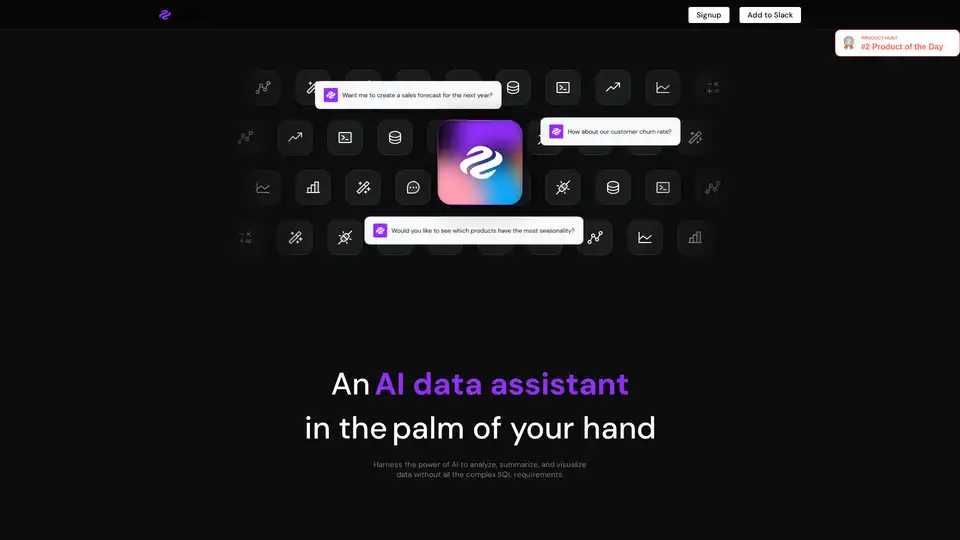
Genie is an AI data analyst that allows business users to query and visualize data without complex SQL. It connects to various data sources, providing insights in seconds within Slack, Teams, or other workspaces.
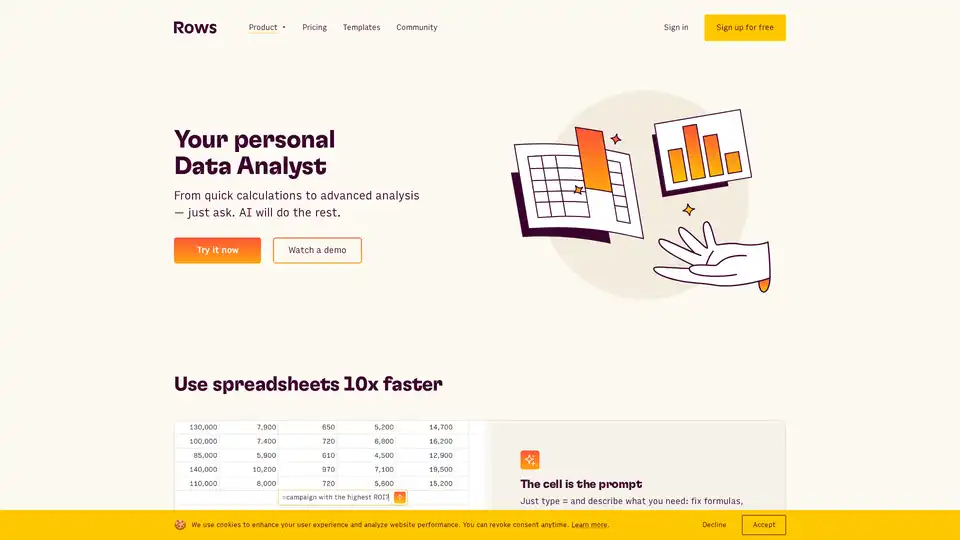
Analyze, summarize, and transform data faster with Rows AI. This AI-powered spreadsheet tool simplifies data analysis, offers AI-driven insights, and integrates seamlessly with your favorite tools.
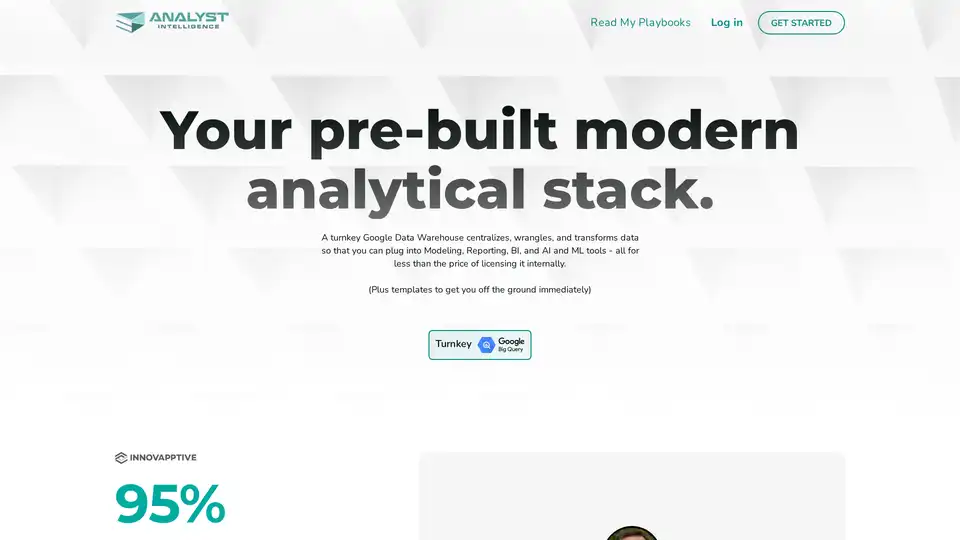
Analyst Intelligence is a Google BigQuery-based platform that automates data processes for FP&A, offering cost savings and instant insights. It helps financial teams centralize, clean, and analyze data efficiently.
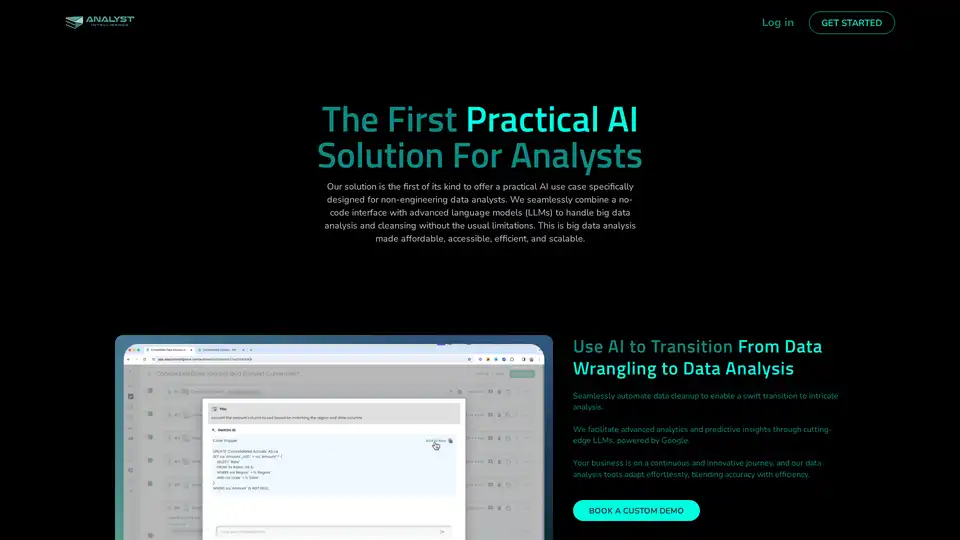
Discover Analyst Intelligence Platform: the first AI tool for non-engineers to write SQL in Google BigQuery, automating data cleaning and analysis for efficient big data insights.