
120 AI Chat
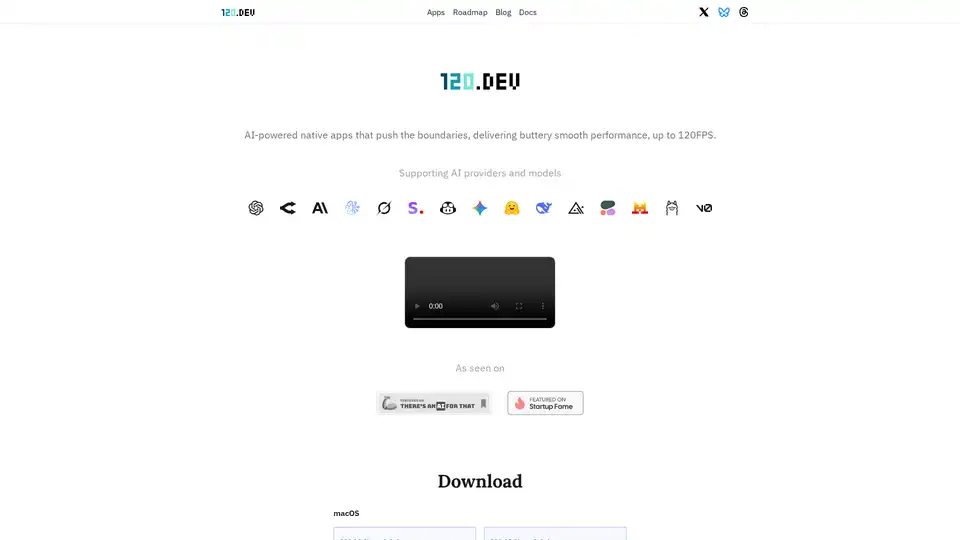
Overview of 120 AI Chat
120 AI Chat: Revolutionizing Native Apps with AI
What is 120 AI Chat? 120 AI Chat is an innovative platform that delivers AI-powered native applications with exceptional performance. Designed to run seamlessly across macOS, Windows, and Linux, it aims to push the boundaries of software capabilities by offering fluid, responsive, and future-proof applications.
Key Features and Benefits
- Blazing-Fast UI: Built natively for Mac, Windows, and Linux, ensuring smooth and responsive performance up to 120FPS.
- Multi-Thread: Enables chatting with multiple AI models in parallel, facilitating effortless context switching.
- Extensive AI Model Support: Compatible with over 500 AI models, including OpenAI (ChatGPT), Anthropic (Claude), GoogleAI (Gemini), and more.
- Temporary Conversations: Offers private chat sessions without saving history, ideal for quick questions or testing ideas.
- Developer-Optimized Interface: Features themes like Catppuccin, Gruvbox, and Nord, with native Markdown and code block rendering.
- Prompt Library: Provides built-in prompts to guide AI interactions and allows users to save and manage custom prompts.
How does 120 AI Chat Work?
120 AI Chat leverages native development to optimize performance across different operating systems. By building components from the ground up and integrating them into high-performance native technology, it ensures a consistent and smooth experience (up to 120FPS) across platforms. The platform supports a wide array of AI models through API integrations, enabling users to interact with various AI services effortlessly.
Who is 120 AI Chat for?
120 AI Chat is suitable for a range of users, including:
- Developers: Benefit from the optimized interface, prompt library, and extensive AI model support.
- Researchers: Utilize the ability to chat with multiple AI models in parallel for efficient research.
- Professionals: Enhance productivity with features like file attachments, code themes, and export options.
- General Users: Enjoy a smooth, responsive, and versatile AI chat experience for various tasks.
Pricing and Plans
- Free: Ideal for testing AI features with access to GPT-3.5, Claude Haiku, and basic model controls.
- 120 AI Chat ($78): Offers full access to all features, including integrations with local LLMs (via Ollama and LM Studio), file attachments, and commercial use license.
How to use 120 AI Chat?
- Download: Download the appropriate version for your operating system (macOS, Windows, or Linux) from the official website.
- Install: Follow the installation instructions for your platform.
- Launch: Open the application and start chatting with AI models using your own API keys or the provided trial license.
Why Choose 120 AI Chat?
120 AI Chat stands out due to its focus on native performance, cross-platform compatibility, and extensive AI model support. It provides a seamless and responsive experience, making it an excellent choice for users who require high efficiency and flexibility in their AI interactions. The platform's commitment to user privacy, with features like temporary conversations, further enhances its appeal.
Other Apps by 120.dev
- 120 HN: A native Hacker News reader with AI-powered summarization.
- 120 Table: A visual database editor with SQL & NoSQL support and built-in LLM assistance.
- 120 Email: An AI-powered email client with local LLMs for tagging, search, and smart replies.
By leveraging native technology and integrating extensive theming capabilities, 120 AI Chat delivers a consistent and smooth experience across platforms, pushing the limits of software performance and providing a future-proof application for AI interactions.
AI Article Generation AI Text Polishing AI Writing Assistance Paper and Report Generation News and Blog Generation Email and Business Writing
Best Alternative Tools to "120 AI Chat"
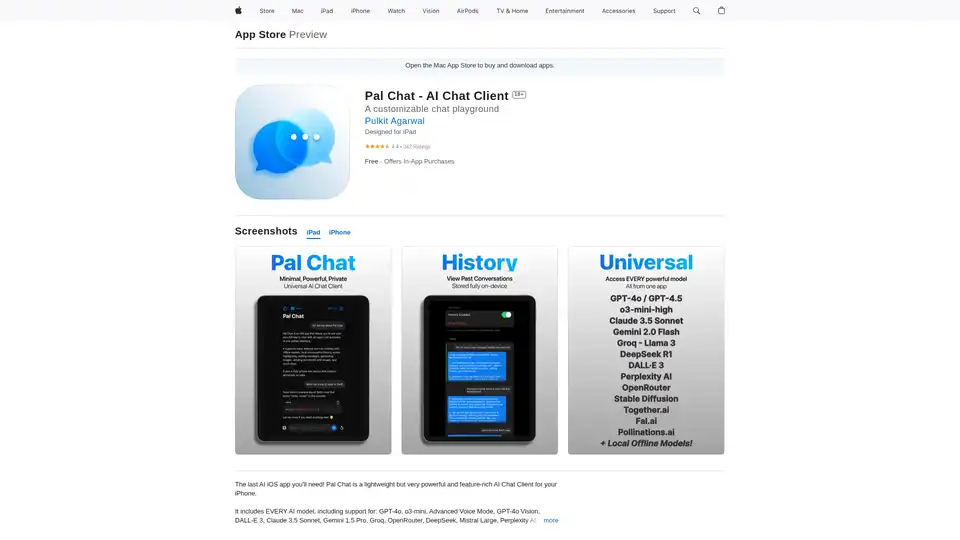
Discover Pal Chat, the lightweight yet powerful AI chat client for iOS. Access GPT-4o, Claude 3.5, and more models with full privacy—no data collected. Generate images, edit prompts, and enjoy seamless AI interactions on your iPhone or iPad.
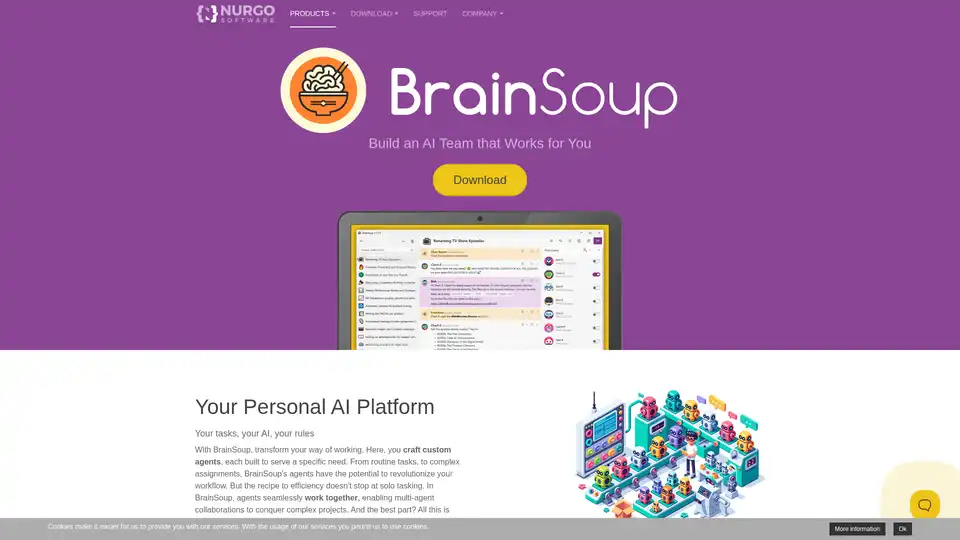
Transform your workflow with BrainSoup! Create custom AI agents to handle tasks and automate processes through natural language. Enhance AI with your data while prioritizing privacy and security.

AI note taking app that transforms voice recordings, text, images, audio files and videos into clear, summarized notes for meetings, lectures, journals, and more.
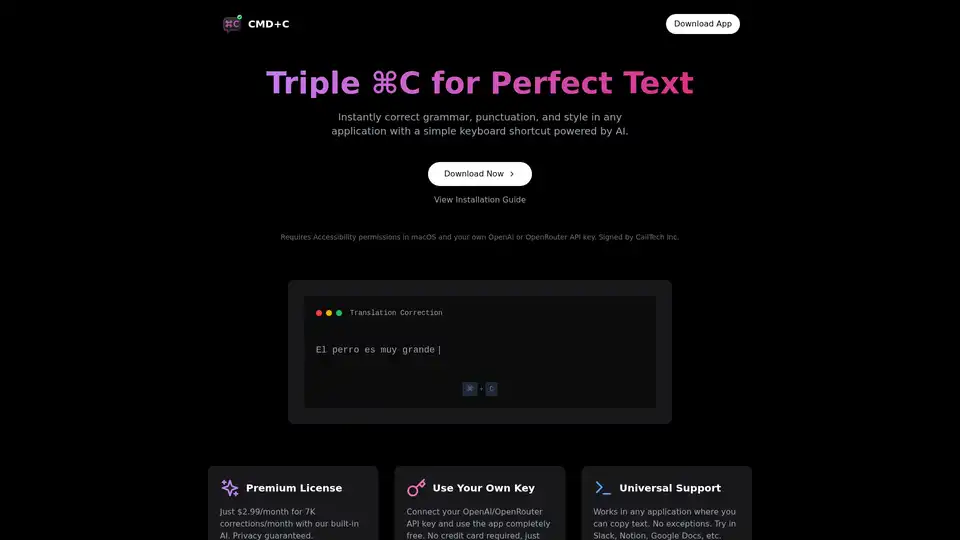
Effortlessly correct grammar, punctuation, and style across any app on macOS with a simple triple CMD-C shortcut, powered by AI.